What Is a Wind Speed Display?
A wind speed display is a device that shows wind speed readings from a connected wind sensor or anemometer, making real-time wind data easier to see from a fixed location. For crane sites, wind conditions can change quickly, so wind speed needs to be visible, timely, and easy to act on.
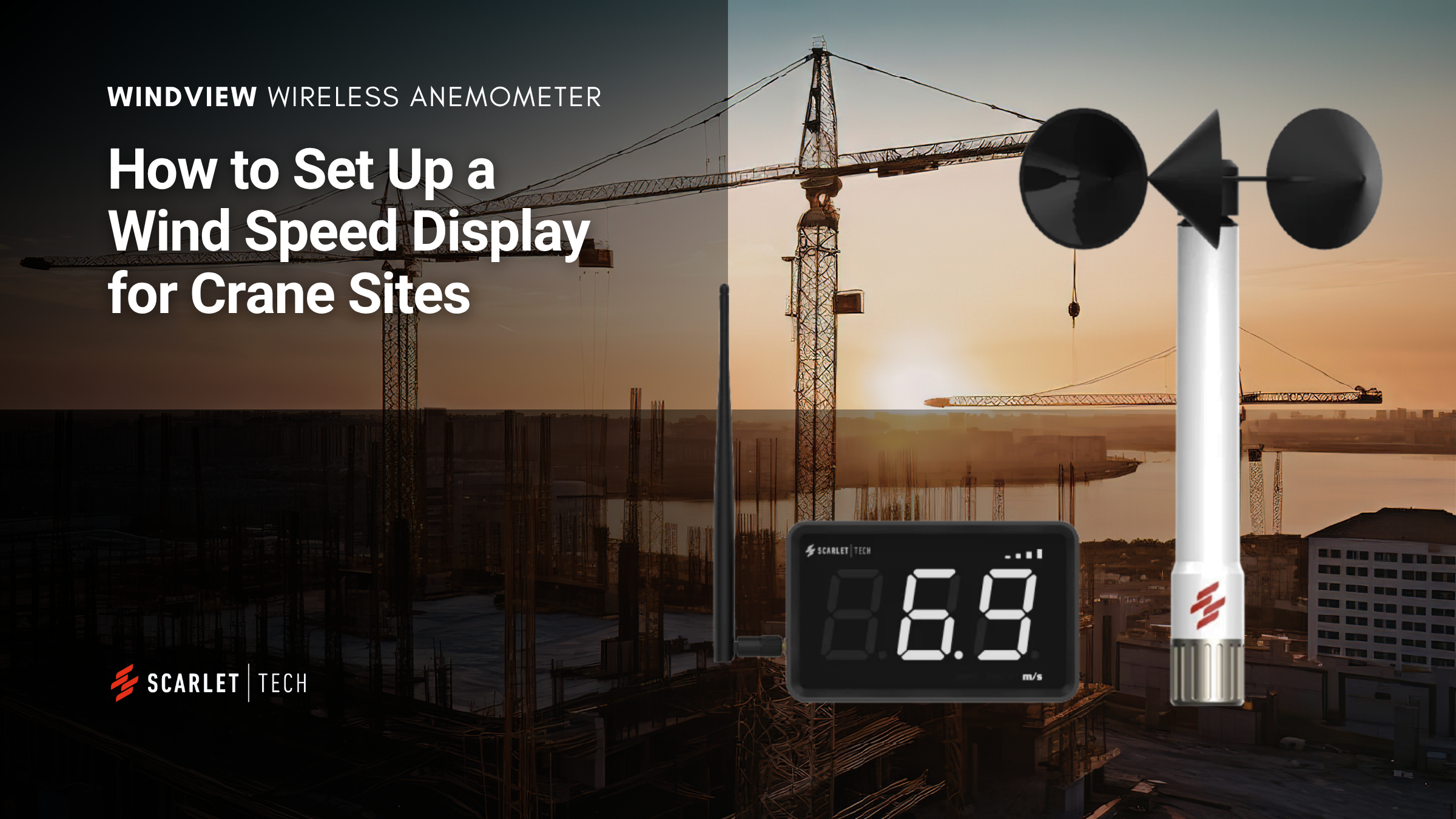
To support these needs, Scarlet Tech has launched WindView, a wireless 6-inch LED wind speed display designed to show live wind speed from compatible Scarlet anemometers. It features a built-in buzzer and flashing alerts for instant alarm notification when wind speed exceeds the set limit, and supports wireless transmission up to 500 m between the wind sensor and display.
Before You Set Up WindView
Before setting up the WindView wind speed display, prepare the display, Sub-1 GHz antenna, power adapter, and compatible Scarlet wind sensor. Choose a visible location such as the crane cab, site office, or control area, and make sure the display has access to a stable power supply.
How to Set Up Wind Speed Display
Setting up WindView is straightforward. The main process includes installing the antenna, connecting the power supply, pairing the wind sensor, selecting the sensor type, choosing the wind speed unit, and setting the wind alarm.
1. Attach the Antenna
Connect the Sub-1 GHz antenna to the side of the WindView display and adjust the angle toward the wind sensor for better signal strength.
2. Connect the Power Supply
Plug the power adapter into WindView and connect it to a power outlet. WindView turns on automatically once power is supplied.
3. Pair the Wind Sensor
Go to the Ad setting, press UP or DOWN to choose the Scarlet wind sensor’s wireless address, such as 12, and press Enter to confirm. When YES appears, the display will return to the Ad page.
4. Select the Sensor Type
Go to the SEL setting, then press UP or DOWN to choose the correct sensor type: A for WR-3 Plus wind speed sensor or B for WL-21 wind speed and direction sensor.
5. Set the Wind Speed Unit
Go to the unt setting, then press UP or DOWN to select the display unit: 1 for mph, 2 for km/h, or 3 for m/s.
6. Set the Wind Alarm
Go to the HL setting, then press UP or DOWN to set the alarm threshold based on your site requirement. When the set limit is reached, WindView provides buzzer and flashing alerts.
7. Place the Display Where It Is Easy to See
Deploy WindView in the crane cab, site office, control room, or another key location where wind speed needs to be visible.
How Accurate Is the Wind Speed Display?
WindView displays wind speed data received from a Scarlet wireless wind sensor. The wind sensor has a wind speed accuracy of ±2% FS and a measurement range of 0.3 to 50 m/s. For the best results, maintain clear wireless communication between the sensor and WindView.
Can I Check Wind Speed on My Phone?
WindView is designed as a simple and fixed LED wind speed display. For teams that need to check wind speed on a phone, Scarlet Tech also offers the WindPro Online Wind Monitor System. Teams can monitor wind speed through the online web portal and receive email notifications of high wind alerts from a phone or computer.
Conclusion
Setting up a wind speed display with WindView is simple. WindView shows real-time wind speed from compatible Scarlet anemometers on a 6-inch wireless LED display, helping crane teams keep wind data visible from key locations such as the crane cab, site office, or control room.